Samfw Frp Tool V10 Free 'link' [ 2025-2027 ]
Samfw Frp Tool V10 Free 'link' [ 2025-2027 ]
Generate Tally Style Invoices from BizMitra and Enjoy a smooth Tally Integration with BizMitra Gold which don't fail.
Get Started
Generate Tally Style Invoices from BizMitra and Enjoy a smooth Tally Integration with BizMitra Gold which don't fail.
Get Started

Happy customers

Android Mobile App

Use together on Mobile/Desktop

User Management Feature
Summary
FRP (Factory Reset Protection) is a security feature implemented by Google to protect Android devices from unauthorized access. While it's an essential feature for device security, it can become a significant issue for users who forget their Google account credentials or purchase a second-hand device with FRP enabled. In such cases, the SamFW FRP Tool V10 comes to the rescue. In this blog post, we'll discuss the SamFW FRP Tool V10, its features, and provide a step-by-step guide on how to use it to bypass FRP on Samsung devices. samfw frp tool v10 free
In the world of Android device management, Factory Reset Protection (FRP) has become a crucial security feature. However, for users and technicians alike, FRP can sometimes become a hurdle when trying to access or reset a device. This is where tools like the SamFw FRP Tool come into play, offering a solution to bypass FRP locks efficiently. The SamFw FRP Tool v10 free version has gained popularity for its effectiveness and ease of use. In this piece, we'll delve into the features, usage, and benefits of the SamFw FRP Tool v10, focusing on its free version. Investigative Brief: “samfw frp tool v10 free” Summary
Have a success story or a unique model the tool worked on? Share your experience in the comments on the SAMFW forum to help other users. In this blog post, we'll discuss the SamFW
The developers behind SAMFW have focused on three core principles: simplicity, speed, and zero cost. Version 10 delivers on all three.
BIZ MITRA can help you easily track receivables, reconcile payments and send reminders for overdue invoices.
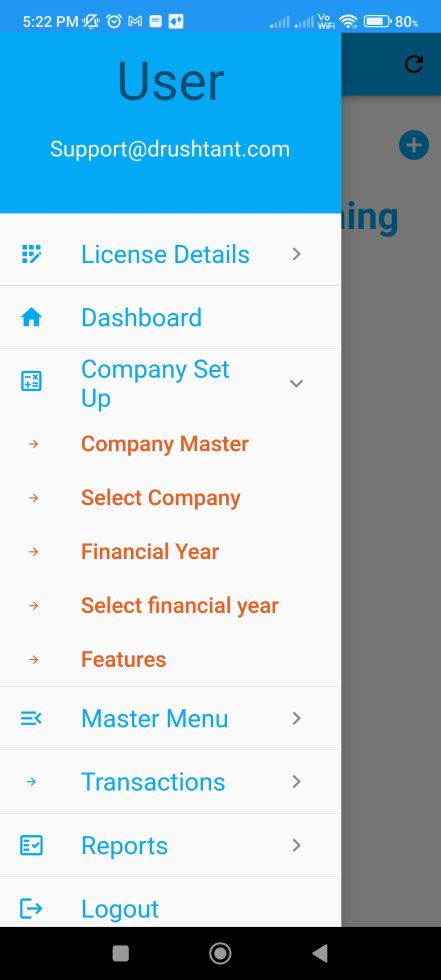
Studies show that business owners having real-time receivable information can reduce risk of defaults multi-fold, while also boosting collections.
Summary
FRP (Factory Reset Protection) is a security feature implemented by Google to protect Android devices from unauthorized access. While it's an essential feature for device security, it can become a significant issue for users who forget their Google account credentials or purchase a second-hand device with FRP enabled. In such cases, the SamFW FRP Tool V10 comes to the rescue. In this blog post, we'll discuss the SamFW FRP Tool V10, its features, and provide a step-by-step guide on how to use it to bypass FRP on Samsung devices.
In the world of Android device management, Factory Reset Protection (FRP) has become a crucial security feature. However, for users and technicians alike, FRP can sometimes become a hurdle when trying to access or reset a device. This is where tools like the SamFw FRP Tool come into play, offering a solution to bypass FRP locks efficiently. The SamFw FRP Tool v10 free version has gained popularity for its effectiveness and ease of use. In this piece, we'll delve into the features, usage, and benefits of the SamFw FRP Tool v10, focusing on its free version.
Have a success story or a unique model the tool worked on? Share your experience in the comments on the SAMFW forum to help other users.
The developers behind SAMFW have focused on three core principles: simplicity, speed, and zero cost. Version 10 delivers on all three.